WordPress vs. Drupal vs. Joomla: Which CMS Is Right for Your Business?
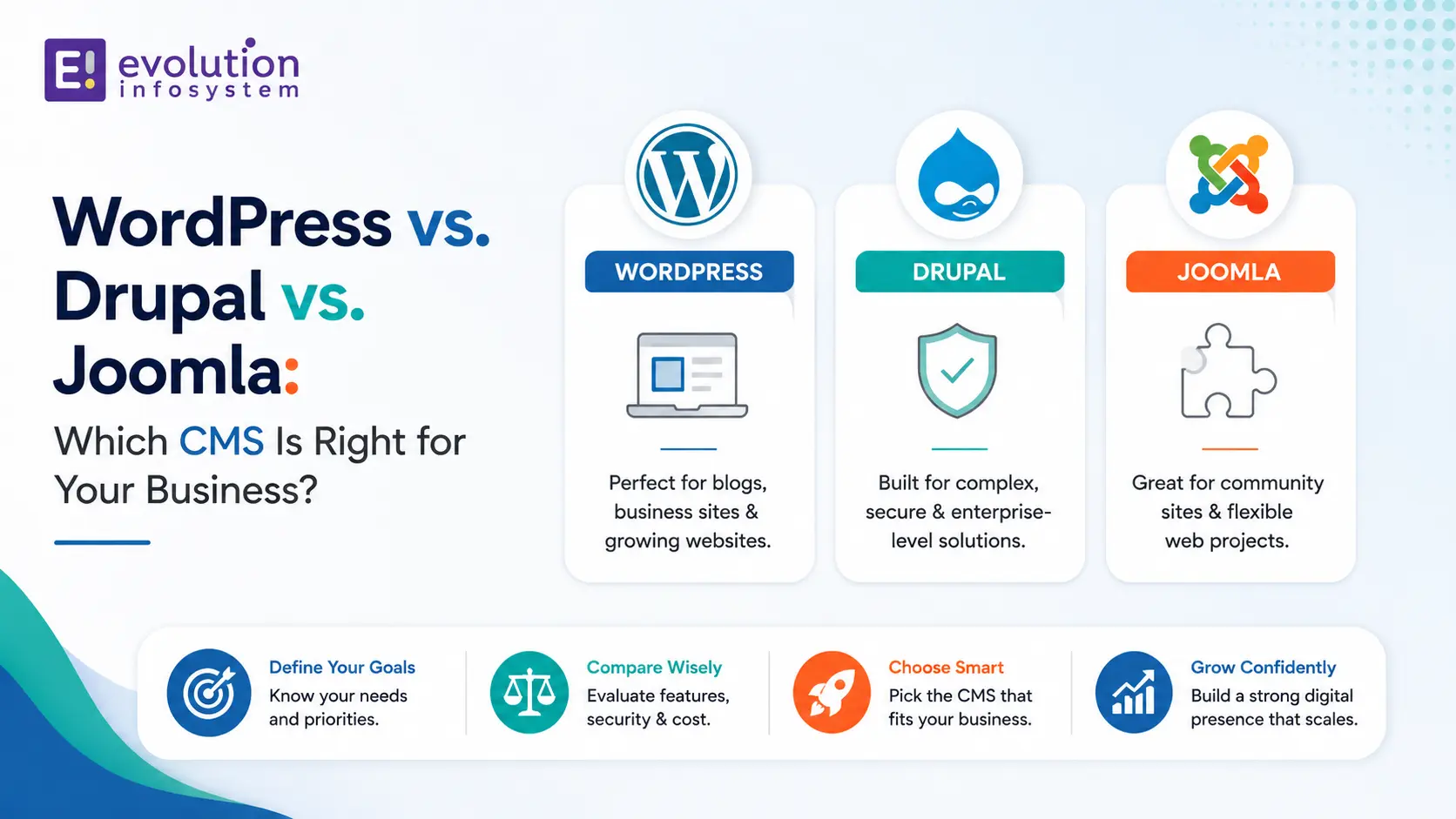
WordPress powers 43% of all websites on the internet. Drupal runs the websites of the White House, the Grammy Awards, and hundreds of government portals. Joomla sits in the middle – more flexible than WordPress, less complex than Drupal – and often overlooked.
All three are free, open-source, and have been around long enough to be genuinely mature. The question isn’t which one is best. The question is which one is right for your specific use case, team capability, and long-term content requirements.
The WordPress vs Drupal vs Joomla decision, made incorrectly, is expensive to undo. Migrating from one CMS to another after your site is built is one of the most painful technical projects a marketing or development team can undertake. Pick correctly the first time.
WordPress: What It Is and Who It’s Actually For
WordPress started as a blogging platform in 2003 and has evolved into the most widely used CMS on the planet. That evolution has produced extraordinary flexibility – through a plugin ecosystem of 60,000+ extensions, you can build almost anything on WordPress – but it has also produced complexity and performance challenges at scale that are important to understand before committing.
WordPress wins for:
→ Content-heavy marketing sites and blogs. The content editor (Gutenberg), media management, SEO tools, and publishing workflow in WordPress are best-in-class for teams that publish frequently. If your primary use case is content marketing, WordPress is the right platform.
→ E-commerce with WooCommerce. WooCommerce transforms WordPress into a full-featured e-commerce platform. For small to medium e-commerce operations, WooCommerce on WordPress covers most requirements without the overhead of a dedicated platform.
→ Sites managed by non-technical teams. WordPress has the lowest technical barrier of the three. A marketing manager can update content, add pages, manage images, and install plugins without developer involvement. For organisations where content ownership sits outside the development team, this matters a great deal.
→ Speed to launch. With a quality theme and the right plugins, a professional WordPress site can launch in weeks rather than months. For businesses that need to move fast, this advantage is real.
WordPress requires careful management when:
The plugin dependency grows. A WordPress site running 30+ plugins has performance, security, and maintenance challenges. Every plugin is a potential conflict, a security vulnerability, and a maintenance obligation. Disciplined plugin management is essential.
You need high performance under traffic. Out-of-the-box WordPress doesn’t scale to high traffic without caching layers, CDN configuration, and database optimisation. These are solvable but require engineering investment.
Security is a primary concern. WordPress’s popularity makes it the primary target for automated attacks. A WordPress site without proper security hardening, regular updates, and monitoring is a risk. Again, solvable – but requiring ongoing attention.
Drupal: The Enterprise Content Platform
Drupal is built for complexity. Its architecture – a modular system of content types, fields, views, and relationships – can model almost any content structure imaginable. The White House website runs on Drupal because the content requirements of a large government portal exceed what simpler CMS platforms can handle.
Drupal wins for:
→ Complex, structured content. If your content has a sophisticated data model – multiple content types with defined fields, complex taxonomies, hierarchical relationships between content pieces – Drupal’s content architecture handles this natively in ways WordPress requires significant custom development to replicate.
→ High-traffic, high-scale sites. Drupal’s caching architecture and database query optimisation make it significantly more performant under load than WordPress without extensive custom engineering. It’s the right choice when you expect high traffic and can’t afford performance degradation.
→ Enterprise security requirements. Drupal has the strongest security track record of the three platforms. Its security advisory process is rigorous, and its architecture makes many common vulnerability classes harder to exploit. For government, healthcare, financial services, and other regulated industries, Drupal’s security posture is a genuine advantage.
→ Multi-language, multi-site, and multi-region publishing. Drupal’s built-in multilingual support and content translation workflow is best-in-class. For organisations publishing content in multiple languages or managing multiple regional sites from one platform, Drupal handles this more natively than either WordPress or Joomla.
→ Headless CMS. Drupal’s REST and JSON:API support make it a strong headless CMS – a content backend that delivers content via API to a separate frontend (React, Next.js, mobile apps). For organisations adopting a decoupled architecture, Drupal is well-suited as the content layer.
Drupal requires careful consideration when:
Your team doesn’t include Drupal developers. The Drupal learning curve is steeper than WordPress or Joomla. Building on Drupal without Drupal expertise produces poorly architected sites that are painful to maintain.
Your content requirements are simple. Drupal’s power comes with complexity. If your site is a standard marketing site with five content types and a blog, you’re paying for architectural capability you’ll never use.
Joomla: The Underrated Middle Ground
Joomla occupies a genuine middle ground – more structured and extensible than WordPress, more approachable than Drupal. It has a smaller community than either but a loyal developer base and a solid architecture that’s particularly well-suited to specific use cases.
Joomla wins for:
→ Community portals and membership sites. Joomla’s built-in user management, access control levels, and multi-layered permission system make it naturally suited to sites where different content is visible to different user types. Building a membership site with tiered content access is simpler in Joomla than in either WordPress or Drupal.
→ Small to medium business portals. For business websites that need more structure than WordPress provides but don’t justify Drupal’s complexity, Joomla hits a practical sweet spot – flexible enough, manageable by a non-specialist developer, and with a good extension ecosystem.
→ Multilingual sites without enterprise complexity. Joomla has strong built-in multilingual support – more native than WordPress (which requires plugins), less complex to configure than Drupal. For businesses serving multiple language markets without the full complexity of a Drupal multi-site setup, Joomla is efficient.
Joomla requires careful consideration when:
You need a large plugin ecosystem. Joomla’s extension library is smaller than WordPress’s. If your requirements depend on third-party functionality, check that the extensions you need are available and actively maintained before committing.
Your team needs to hire developers. WordPress and Drupal developers are significantly more available in the market than Joomla specialists. Staffing a Joomla development team is harder than staffing either alternative.
Side-by-Side Comparison
| Factor | WordPress | Drupal | Joomla |
|---|---|---|---|
| Ease of use | High | Low | Medium |
| Developer availability | Very high | High | Medium |
| Content flexibility | Medium (plugins) | Very high (native) | Medium |
| Performance at scale | Medium | High | Medium |
| Security | Medium (hardening needed) | High | Medium |
| Multilingual support | Medium (plugins) | Very high (native) | High (native) |
| E-commerce | Strong (WooCommerce) | Moderate | Moderate |
| Headless CMS | Good (REST API) | Excellent | Moderate |
| Plugin/extension ecosystem | Very large (60,000+) | Large | Smaller |
| Best for | Content marketing, SMB | Enterprise, government | Portals, communities |
The Decision in Three Questions
Question 1: Who manages content day to day?
Non-technical marketing team → WordPress.
Technical team or structured publishing workflow → Drupal or Joomla.
Question 2: How complex is your content model?
Standard pages, blog posts, basic products → WordPress.
Multiple content types with defined relationships, taxonomies, and complex field structures → Drupal.
Moderate complexity with user access layers → Joomla.
Question 3: What’s your traffic expectation and security requirement?
Moderate traffic, standard security → WordPress with proper hardening.
High traffic, regulated industry, government, healthcare → Drupal.
Community site, membership portal → Joomla.
At Evolution Infosystem, we offer WordPress development, Drupal development, and Joomla development. We’ll tell you honestly which one fits your requirements and build it correctly, including performance optimisation, security hardening, and the SEO architecture that gets your content found. Let’s talk about your CMS project.
Frequently Asked Questions (FAQs)
Is WordPress better than Drupal?
For content marketing sites, SMB websites, and e-commerce with WooCommerce – yes. For enterprise portals, government sites, complex structured content, and high-security requirements – Drupal is typically the stronger choice. Better is always relative to your specific requirements.
Why would anyone choose Drupal over WordPress?
Drupal’s native content architecture, security track record, performance under high traffic, and multilingual support are all meaningfully superior to WordPress for the right use cases. Any large government portal, enterprise intranet, or complex multi-content-type publishing platform is better served by Drupal than by WordPress with plugins approximating the same capability.
Is Joomla still worth using?
Yes, for the right use cases. Membership sites, community portals, and SMB business sites with moderate complexity are well-served by Joomla. Its native user access control and multilingual support make it a practical choice where those features matter. The main limitation is developer availability – it’s a smaller talent pool than WordPress or Drupal.
Can you migrate from one CMS to another?
Yes, but it’s a significant undertaking. Content migration, URL structure changes, and template rebuilding all require careful planning. Migration is worth doing when the current CMS genuinely can’t support your requirements, but it’s an expensive exercise. Choose your initial CMS carefully to avoid it.
What is a headless CMS and which platform supports it best?
A headless CMS delivers content via API to a separate frontend – a React app, a mobile app, a Next.js site – rather than rendering pages itself. Drupal is the strongest headless CMS of the three, with mature JSON:API and REST API support. WordPress has the WP REST API which works well for simpler headless use cases. Joomla’s headless capability is less mature than the other two.