Cloud Cost Optimisation: How to Stop Overpaying for Cloud Infrastructure
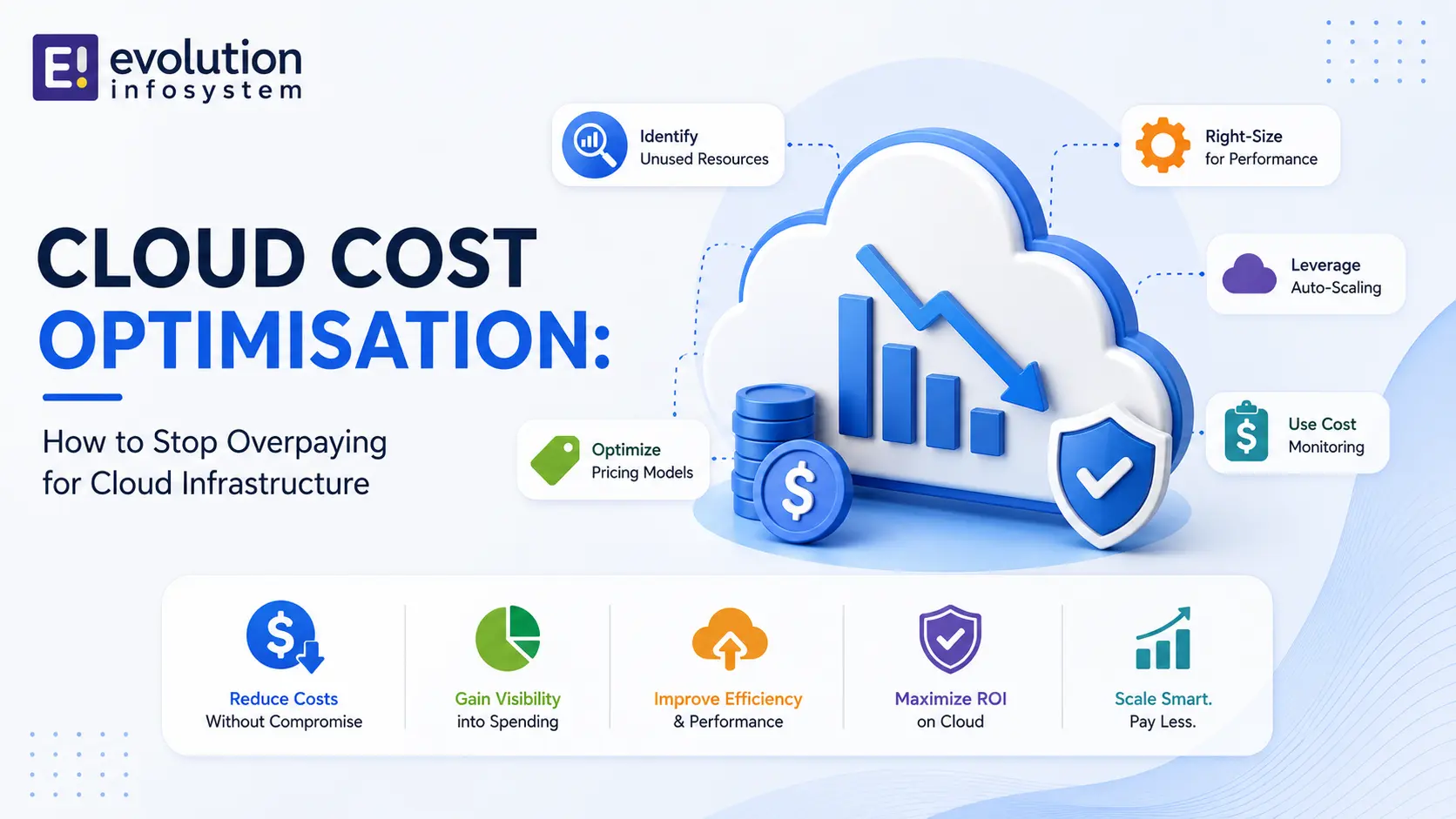
Gartner estimates that organisations waste an average of 35% of their cloud spend. A 2023 Flexera survey put the figure even higher – closer to 32% identified as actual waste and a further 28% as negotiable through better purchasing. Combined, most businesses are overpaying for cloud infrastructure by a material amount.
This isn’t an indictment of cloud economics. Cloud infrastructure, used correctly, provides genuine business value. But the same flexibility that makes cloud infrastructure useful – the ability to spin up resources instantly, at any scale, at any time – also makes it easy to accumulate spending that outpaces actual usage.
Cloud cost optimisation is the systematic process of aligning what you pay with what you actually need and use. Here’s how to do it.
Why Cloud Bills Grow Faster Than Expected
Understanding why overspending happens is the first step to fixing it.
→ Overprovisioning.
The instinct when provisioning cloud resources is to choose a size that’s “comfortable” – slightly more than the maximum expected usage. Across dozens or hundreds of instances, this conservatism compounds. Instances running at 15–20% average CPU utilisation are extremely common in unoptimised cloud environments.
→ Orphaned resources.
Developers spin up instances, databases, and load balancers for testing and forget to terminate them. A test RDS instance running for six months at $300/month is $1,800 of pure waste. A forgotten NAT gateway. An elastic IP not attached to any instance. These accumulate quietly.
→ Uncompressed data storage.
Storage in the cloud charges for every gigabyte stored. Uncompressed logs, redundant database snapshots, old AMIs and snapshots kept indefinitely, and S3 buckets with no lifecycle policies accumulate storage costs that grow consistently without producing corresponding value.
→ Data transfer fees.
Egress fees – charges for data leaving a cloud region or availability zone – catch most organisations by surprise. Transferring data between availability zones, between regions, or out to the internet generates charges that don’t appear in initial provisioning estimates. Applications not designed with data locality in mind can generate significant egress charges.
→ On-demand pricing for predictable workloads.
On-demand pricing is the most expensive cloud purchasing model. It’s appropriate for unpredictable, short-lived workloads. For workloads that run continuously – production servers, databases, core infrastructure – on-demand pricing can be 3–4x the cost of reserved or savings plan pricing for the same resources.
The Cloud Cost Optimisation Framework
Cloud cost optimisation is most effective when approached systematically, in layers. Start with visibility, then eliminate waste, then optimise pricing, then architect for efficiency.
Layer 1: Visibility and Attribution
You cannot optimise what you cannot see. The first step is implementing cost visibility that attributes cloud spend to business units, teams, and workloads.
→ Tagging strategy.
Every cloud resource should be tagged with at minimum: environment (production/staging/development), team or business unit, application or service, and cost centre. Without tags, your cloud bill is a single number. With consistent tagging, it’s a breakdown you can act on.
→ Cost allocation reports.
AWS Cost Explorer, Azure Cost Management, and Google Cloud Cost Management all provide cost breakdowns by tag, service, region, and time period. Set up monthly cost reports that go to the teams responsible for each workload – accountability drives behaviour.
→ Budget alerts.
Set budget alerts at 80% and 100% of expected spend per workload. Alerts that fire before the budget is exceeded give teams time to investigate and respond rather than discovering overruns after the fact.
Layer 2: Eliminate Waste
Once you can see where money is going, identify and eliminate spend that produces no business value.
→ Instance rightsizing.
Pull CPU, memory, and network utilisation metrics for all instances over a 30-day period. AWS Compute Optimizer, Azure Advisor, and Google’s Active Assist all provide rightsizing recommendations based on actual utilisation patterns. Instances consistently running below 20–30% CPU utilisation are strong rightsizing candidates.
Rightsizing doesn’t always mean downsizing. Sometimes the recommendation is to switch instance family – from a general-purpose instance to a compute-optimised or memory-optimised instance that costs less and performs better for the specific workload.
→ Orphaned resource cleanup.
Run an automated audit of:
- Unattached EBS volumes (AWS) / unattached disks (Azure) / unattached persistent disks (GCP)
- Elastic IPs / static IPs not attached to running instances
- Unused load balancers
- Stopped instances (which still charge for storage and IP allocation)
- Old snapshots and AMIs beyond your retention requirement
- Unused security groups, key pairs, and other non-billable-but-cluttering resources
→ Storage lifecycle management.
Implement lifecycle policies on object storage (S3, Azure Blob, GCS) to automatically move infrequently accessed data to lower-cost tiers (S3 Infrequent Access, Glacier, Azure Cool/Archive) and delete data beyond retention requirements.
→ Log management.
Application and infrastructure logs are often retained at full resolution indefinitely. Implement log retention policies – 30 days in hot storage, 90 days in compressed lower-cost storage, deleted thereafter (or moved to archive for compliance). The storage savings on multi-GB per day log volumes are significant.
Layer 3: Optimise Purchasing
For workloads with predictable, sustained usage, on-demand pricing is almost always the wrong purchasing model.
→ Reserved Instances (AWS) / Reserved VM Instances (Azure) / Committed Use Discounts (GCP).
1-year commitments typically provide 30–40% savings over on-demand. 3-year commitments provide 50–60% savings. The commitment is to a specific instance type, region, and term – appropriate for stable, long-running production workloads where you’re confident in the instance size.
→ Savings Plans (AWS) / Azure Savings Plans.
More flexible than Reserved Instances – the commitment is to a dollar amount of compute spend per hour rather than a specific instance type. Compute Savings Plans apply across instance families and sizes. Appropriate when your instance mix changes but your overall compute commitment is predictable.
→ Spot Instances (AWS) / Spot VMs (Azure) / Preemptible VMs (GCP).
Unused cloud capacity sold at 70–90% discounts. The catch: the cloud provider can reclaim the capacity with 2-minute notice. Appropriate for fault-tolerant, interruptible workloads: batch processing, CI/CD pipeline runners, stateless web tier components with proper draining, ML training jobs.
Spot instances require architecture designed for interruption – health checks that detect spot reclamation, graceful shutdown handling, and workloads that can resume from a checkpoint or queue. For the right workloads, the savings are dramatic.
→ Savings plan analysis.
AWS Cost Explorer’s Savings Plan recommendations and Azure Advisor’s reservation recommendations analyse your actual usage patterns and recommend the optimal commitment level. Don’t guess – use the tool recommendations as a starting point.
Layer 4: Architectural Efficiency
The highest-leverage optimisations come from architectural changes that reduce resource requirements rather than just pricing the same resources better.
→ Serverless for appropriate workloads.
AWS Lambda, Azure Functions, and Google Cloud Functions charge only for actual execution time and invocations. For event-driven workloads with unpredictable traffic patterns – background processing, webhook handlers, scheduled jobs – serverless often costs significantly less than a continuously running server instance.
→ Containerisation and bin packing.
Running multiple containerised workloads on fewer, larger instances (bin packing) often costs less than running each workload on its own dedicated instance. Kubernetes with proper resource requests and limits enables efficient bin packing. Workloads that aren’t containerised can’t benefit from this pattern.
→ Caching to reduce compute and database load.
Database queries are expensive – both in compute time and in database instance sizing requirements. A well-implemented cache (ElastiCache/Redis, Memcached) reduces database query volume dramatically, enabling a smaller database instance and reducing compute time per request.
→ CDN for static content delivery.
Serving static content (images, JavaScript, CSS, videos) through a CDN (CloudFront, Azure CDN, Cloud CDN) reduces origin server load and – critically – eliminates the egress charges associated with serving large files directly from cloud compute. CDN delivery is significantly cheaper per GB than origin delivery for high-volume static content.
The FinOps Practice
Cloud cost optimisation done once is useful. Cloud cost optimisation done continuously is a practice – and that practice has a name: FinOps (Cloud Financial Operations).
FinOps is the combination of systems, processes, and cultural practices that allow organisations to get maximum business value from their cloud spend. It involves engineering teams, finance teams, and business leaders working together with shared visibility into cloud spend and shared accountability for optimisation.
The FinOps Foundation defines three maturity phases: Crawl (basic visibility and cost allocation), Walk (regular optimisation actions, committed use planning), and Run (automated optimisation, real-time anomaly detection, continuous rightsizing).
Most organisations are in the Crawl phase. Moving to Walk – implementing tagging, regular rightsizing reviews, and committed use planning – typically captures 25–40% of avoidable spend.
At Evolution Infosystem, our cloud cost optimisation service runs the full framework: tagging strategy implementation, waste audit, rightsizing analysis, reserved instance and savings plan planning, and architectural recommendations. We’ve helped organisations reduce cloud bills by 30–50% without reducing capability. Let’s look at your cloud spend.
Frequently Asked Questions (FAQs)
What is cloud cost optimisation?
Cloud cost optimisation is the process of systematically reducing cloud infrastructure spend while maintaining or improving performance and reliability. It involves eliminating unused resources, rightsizing overprovisioned instances, switching from on-demand to reserved or spot pricing for appropriate workloads, and making architectural changes that reduce resource requirements.
How much can I save through cloud cost optimisation?
Most organisations that haven’t actively optimised their cloud spend can reduce their bill by 25–40% without any reduction in capability. Organisations with significant rightsizing opportunities and no committed use discounts on steady workloads often see 40–60% savings. The specific opportunity depends on your current provisioning practices, workload patterns, and purchasing model.
What are Reserved Instances and when should I use them?
Reserved Instances are a cloud purchasing commitment where you agree to use a specific instance type in a specific region for 1 or 3 years in exchange for a significant discount over on-demand pricing (30–60%). Use Reserved Instances for production workloads that run continuously with stable resource requirements. Don’t use them for development or staging environments, or for workloads you expect to change significantly.
What is the difference between Reserved Instances and Savings Plans?
Reserved Instances commit to a specific instance type, size, and region. Savings Plans commit to a dollar amount of compute spend per hour, applicable across instance families, sizes, and (for Compute Savings Plans) regions. Savings Plans are more flexible for organisations whose instance mix changes but whose overall compute commitment is predictable.
What are Spot Instances and which workloads are they suitable for?
Spot Instances are unused cloud capacity offered at 70–90% discounts. The provider can reclaim them with 2-minute notice. They’re suitable for fault-tolerant workloads that can handle interruption: batch processing jobs, CI/CD pipeline runners, ML training, stateless web tier components with proper draining. They’re not suitable for databases, stateful services, or any workload that can’t be interrupted.