Home Automation App Development: What Goes Into Building a Smart Home Platform
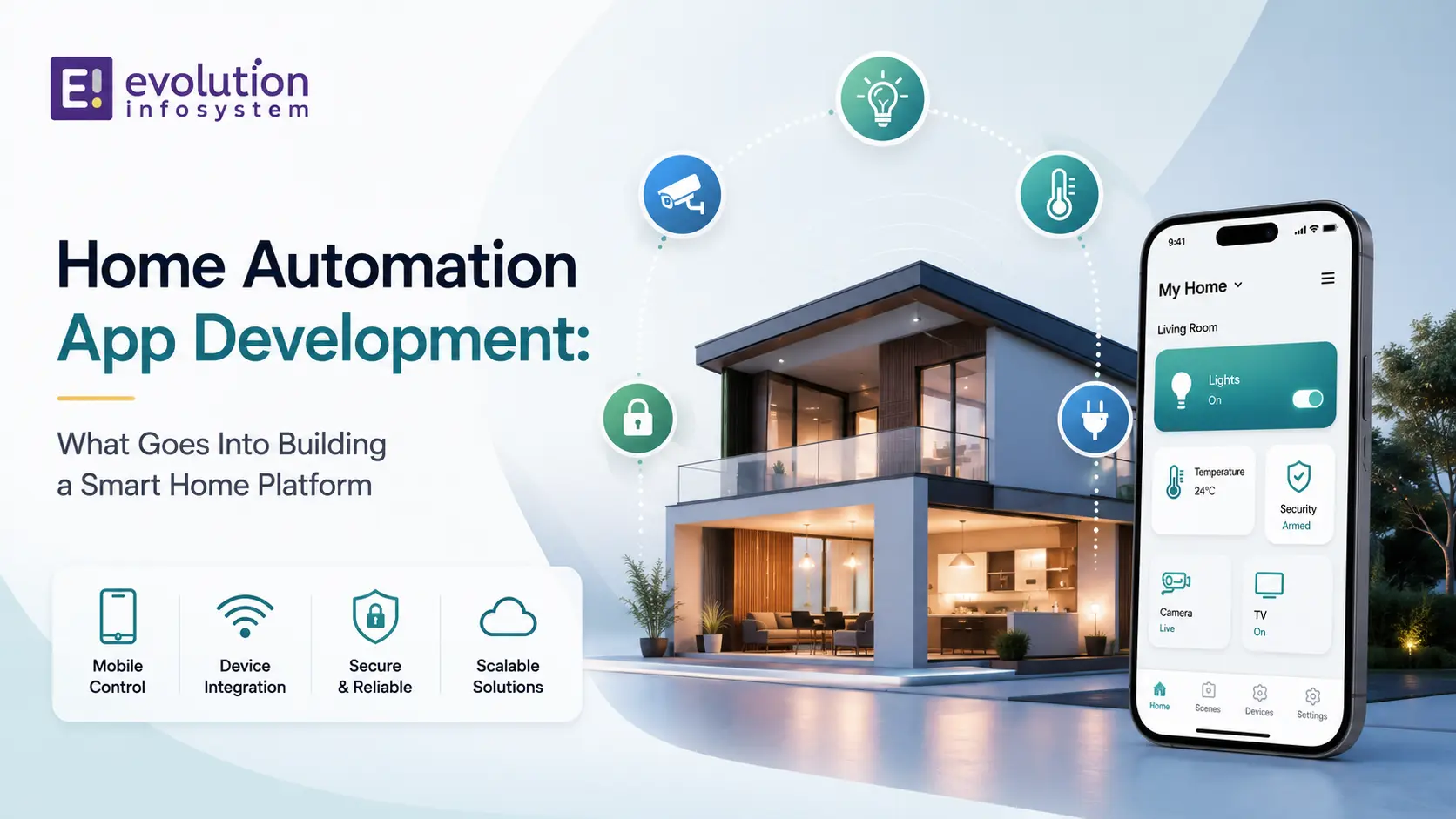
Home automation app development sits at the intersection of mobile development, IoT engineering, cloud infrastructure, and real-time system design. It’s significantly more complex than a standard mobile app – and the complexity is often underestimated by teams approaching it for the first time.
The visible part – the app that controls lights, locks, thermostats, and cameras – is the frontend of a system that includes device firmware, local network communication, cloud connectivity, real-time state synchronisation, and automation logic. Each of these layers has specific engineering requirements that determine whether the platform is reliable, fast, and scalable.
What a Smart Home Platform Actually Is
A smart home platform is the software infrastructure that connects physical devices – light bulbs, thermostats, door locks, cameras, sensors, appliances – to user interfaces (mobile apps, web dashboards, voice assistants) and allows them to be monitored, controlled, and automated.
The complete platform includes:
➜ Device firmware: the software running on the physical devices themselves. For custom hardware, this means embedded development. For third-party devices, this means integration with the manufacturer’s APIs or a supported protocol.
➜ Local hub or gateway: a local device (or software running on a home network device) that communicates directly with smart home devices over local protocols (Zigbee, Z-Wave, Matter) without requiring cloud connectivity for every action. Local control is critical for low-latency response and operation during internet outages.
➜ Cloud backend: manages device state, user accounts, remote access, push notifications, and automation rules. The cloud is essential for remote control and multi-home management, but should not be in the critical path for local device control.
➜ Mobile apps (iOS and Android): the primary user interface for device control, status monitoring, scene and automation management, and settings configuration.
➜ Integration layer: connections to third-party platforms (Amazon Alexa, Google Home, Apple HomeKit, IFTTT) and other smart home ecosystems that users already have.
Device Communication Protocols: The Most Important Architecture Decision
The protocol stack you choose determines which devices your platform supports, how you communicate with them, and what your local network architecture looks like. This is the most consequential early decision in home automation development.
Matter (formerly Project CHIP)
Matter is the industry-standard smart home protocol launched in 2022, backed by Amazon, Apple, Google, Samsung, and 500+ other companies. It’s the most important development in smart home interoperability in years.
What Matter does: provides a unified, IP-based protocol that allows devices from different manufacturers to work together natively. A Matter light bulb can be controlled by any Matter-compatible controller – Apple Home, Amazon Alexa, Google Home, or a custom app using the Matter SDK.
What Matter means for custom platform development: your platform can support Matter devices without separate integrations for each manufacturer. Implement Matter controller support once, and any certified Matter device works.
The current reality: Matter adoption is growing rapidly but not all existing smart home devices support it. A real-world smart home platform needs Matter support plus backwards-compatible support for existing protocols.
Zigbee
Zigbee is a low-power mesh networking protocol widely used by smart home devices – Philips Hue, IKEA Tradfri, Aqara, and many others. Zigbee devices communicate with each other and with a Zigbee coordinator (typically a hub) over the 2.4 GHz frequency band.
Mesh networking advantage: Zigbee devices extend the network by relaying signals between devices. The more devices in a Zigbee network, the more robust and extended the coverage. This makes Zigbee effective for large homes.
For platform development: supporting Zigbee requires a Zigbee coordinator (hardware) connected to your hub, and software to manage the Zigbee network and translate between Zigbee’s device model and your platform’s data model.
Z-Wave
Z-Wave operates on sub-GHz frequencies (868 MHz in Europe, 908 MHz in the US), which provides better wall penetration than Zigbee’s 2.4 GHz. It’s widely used for door locks, sensors, and security devices where RF interference is a concern.
Z-Wave is a certified, proprietary protocol – devices must be Z-Wave Alliance certified, which provides interoperability guarantees but limits the number of manufacturers. Z-Wave certification also limits the number of devices per network (232 maximum).
Wi-Fi Devices
Many consumer smart home devices connect directly to Wi-Fi, which makes them easy to set up (no hub required) but creates scalability challenges – each device occupies a slot on the home Wi-Fi network and communicates directly with the internet.
Wi-Fi devices typically expose local APIs (often RESTful or MQTT-based) or require communication through the manufacturer’s cloud. Local API access is preferable for reliability and latency; cloud dependency is a concern for long-term operation (manufacturers discontinue cloud services).
MQTT
MQTT (Message Queuing Telemetry Transport) is not a device protocol – it’s a lightweight publish-subscribe messaging protocol widely used in home automation platforms as the internal messaging bus. Devices (or device bridges) publish state updates to an MQTT broker. The platform subscribes to relevant topics and processes state changes.
Home Assistant and many custom home automation platforms use MQTT as their internal event bus, with protocol-specific bridges translating from Zigbee, Z-Wave, or Wi-Fi device protocols into MQTT messages.
The Architecture of a Reliable Smart Home Platform
Local-First Control
The cardinal rule of home automation architecture: device control must work without internet connectivity.
A smart home platform that requires cloud connectivity for every action has three critical failure modes: your internet connection goes down, the cloud service has an outage, or the manufacturer discontinues the service. All three happen regularly.
Local-first architecture means device commands are processed by a local hub on the home network, which communicates directly with devices. The cloud is used for remote access, push notifications, and multi-home management – but is not in the critical path for local control.
Implementation: a local hub (Raspberry Pi, NUC, or purpose-built hardware) runs the automation logic and device protocol stack. The mobile app communicates directly with the hub when on the local network, and through a cloud relay when remote.
Real-Time State Synchronisation
Smart home devices don’t just receive commands – they report their state continuously. A motion sensor triggers when movement is detected. A door sensor reports open or closed. A thermostat reports current temperature. The platform must handle this event stream in real time and propagate state changes to all clients showing that device.
WebSockets are the standard mechanism for pushing device state updates to mobile clients in real time. A mobile app connected to a WebSocket channel receives state updates instantly when a device changes – the light turns on, the door opens, the temperature changes – without polling.
State synchronisation becomes complex when multiple clients (two phones, a tablet, and a web interface) are all displaying the same device state. A state change on one client must propagate to all others within milliseconds. This requires a pub-sub architecture at the backend.
Automation Engine
The automation engine is what differentiates a device control app from a smart home platform. Automations are rules that trigger actions based on conditions:
- When motion is detected after 10pm, turn on the hallway light at 30%
- When everyone leaves home (presence detection), set the thermostat to away mode and lock the doors
- When the smoke sensor triggers, turn on all lights and send a push notification
The automation engine evaluates trigger conditions against current device state and executes actions. The complexity comes from: trigger types (device state, time, location, sunrise/sunset), condition qualifiers (only if X is also true), multi-step action sequences, and execution reliability (what happens if an action fails).
Voice Assistant Integration
Users expect their smart home platform to work with Alexa, Google Assistant, and Siri (HomeKit). These integrations are not optional for a consumer-facing platform.
➜ Amazon Alexa: Smart Home Skill API allows your platform devices to appear in the Alexa app and be controlled by voice. Requires Alexa account linking (OAuth), device discovery, and state reporting endpoints.
➜ Google Home: Works Action allows your devices to appear in Google Home. Similar OAuth account linking and device synchronisation requirements.
➜ Apple HomeKit: HomeKit Accessory Protocol (HAP) integration makes devices appear in the Apple Home app. HAP implementation is more complex than Alexa and Google Home – consider using HomeKit bridges (HomeBridge, Home Assistant’s HomeKit integration) for non-native HomeKit support.
Mobile App UX: The Design Decisions That Determine Adoption
The best home automation app isn’t the one with the most features. It’s the one that makes the most common actions fastest.
The hierarchy of home automation UX:
➜ Quickest actions: single-tap device control from the home screen. Turning on the lights or unlocking the door should never require more than one tap from the app’s home screen.
➜ Scenes: one tap to execute multiple device changes simultaneously. “Movie time” dims the lights, closes the blinds, and turns on the TV. Scenes are the most used feature after direct device control.
➜ Automations: set-and-forget rules. Most users set up automations once and rarely revisit them. The interface should be clear for first-time setup, not optimised for frequent editing.
➜ Status at a glance: the dashboard should show the current state of all relevant devices without interaction. Is the door locked? Is the oven off? Is anyone home?
➜ Onboarding: adding a new device should take under 2 minutes for a straightforward setup. Device discovery, pairing, naming, and room assignment – each friction point in this flow reduces adoption.
Frequently Asked Questions (FAQs)
What is home automation app development?
Home automation app development is building the software that connects smart home devices – lights, locks, thermostats, cameras, sensors – to user interfaces and automation logic. It includes mobile app development, cloud backend development, local hub software, device protocol integration (Matter, Zigbee, Z-Wave, Wi-Fi), and voice assistant integration.
What is Matter and why does it matter for smart home development?
Matter is the industry-standard smart home protocol backed by Amazon, Apple, Google, and Samsung. It allows devices from different manufacturers to interoperate natively. For custom home automation platform development, implementing Matter controller support means any certified Matter device works with your platform without separate manufacturer-specific integrations.
Do smart home apps need to work without internet?
Yes – for any home automation platform targeting real-world use. Internet outages, cloud service outages, and manufacturer service discontinuations all break cloud-dependent control. A reliable home automation platform uses local-first architecture where device control operates through a local hub on the home network, with cloud used only for remote access and push notifications.
What protocols do smart home devices use?
The main protocols are: Matter (the new industry standard for interoperability), Zigbee (mesh networking, widely used by Philips Hue, IKEA, Aqara), Z-Wave (sub-GHz, good wall penetration, used for locks and security), and Wi-Fi (direct internet-connected devices). A comprehensive smart home platform supports multiple protocols through a local hub that bridges between them.
How long does it take to build a smart home app?
A focused smart home app controlling a specific set of device types (lights and thermostats, for example) through an existing protocol (Matter or a cloud API) typically takes 12–16 weeks including iOS and Android development, cloud backend, and basic automation support. A full custom smart home platform with multi-protocol hub support, voice assistant integrations, and advanced automation takes 6–12 months.
At Evolution Infosystem, we build home automation platforms and smart home apps from protocol stack to mobile interface – including Matter support, Zigbee and Z-Wave integration, local hub software, cloud backend, and iOS/Android apps. Let’s talk about your smart home project.