Third-Party System Integrations: How to Connect Your Tech Stack Without Breaking It
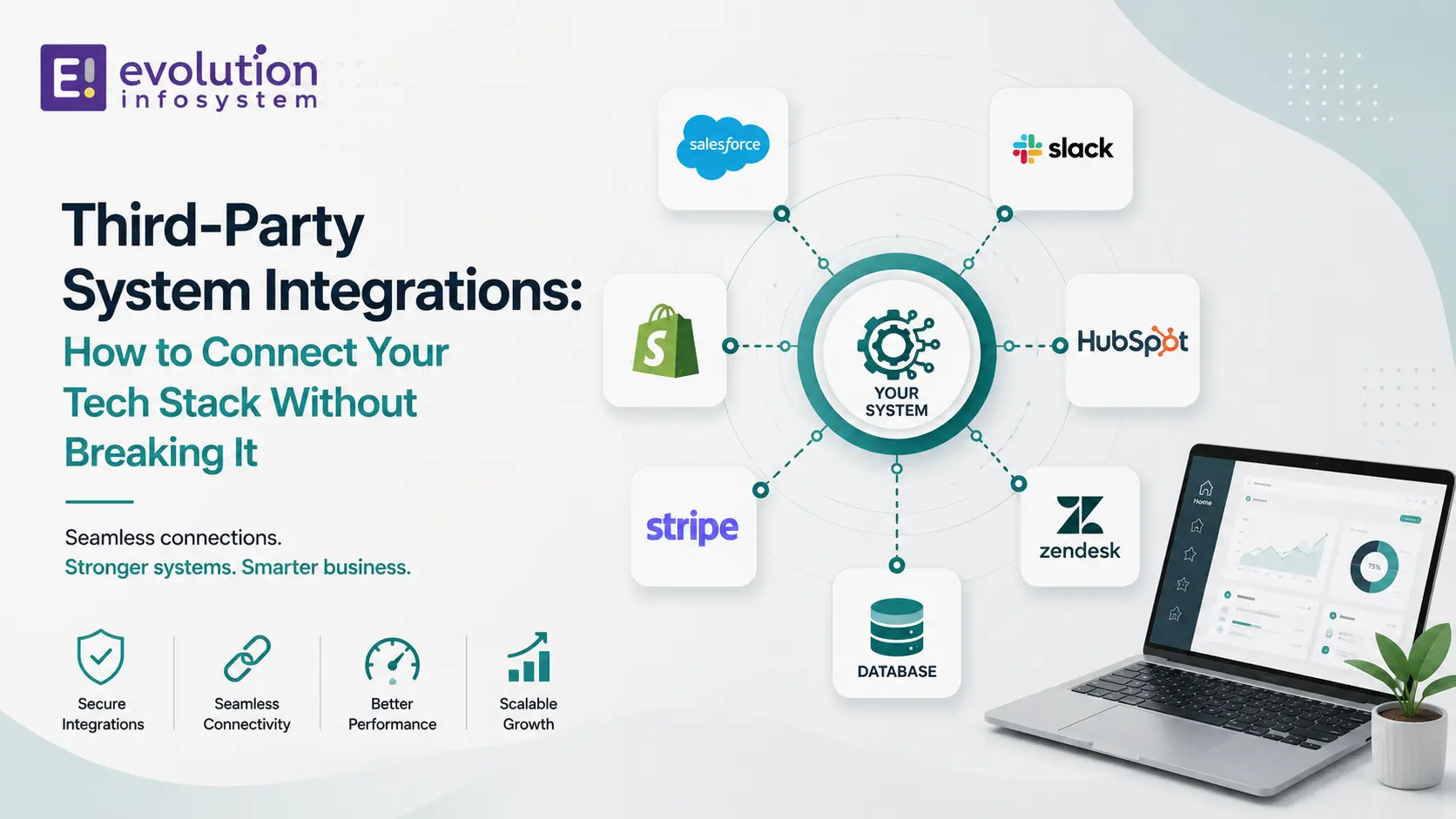
Every growing business eventually reaches a point where their systems need to talk to each other. The CRM needs to know when a payment is processed in the billing system. The warehouse management system needs product data from the e-commerce platform. The ERP needs order data from the marketplace. The accounting software needs sales data from everywhere.
Third-party system integrations are the connective tissue of a modern tech stack. Done well, they create a coherent operational system where data flows automatically between the tools that need it. Done poorly, they create the most fragile, difficult-to-maintain, and failure-prone part of your entire technology estate.
Most integrations are done poorly. Here’s how to do them well.
Why Integrations Go Wrong
Understanding the failure modes is the first step to avoiding them.
➜ Point-to-point integration proliferation.
The instinct is to connect systems directly to each other: System A pushes data to System B, System B has a direct connection to System C, System C calls System A for lookups. This works for two or three systems. As the number of systems grows, you end up with a spider web of direct connections – N systems create N×(N-1)/2 possible connection pairs. Each connection is a separate codebase to maintain, a separate failure point to monitor, and a separate place to update when any system’s API changes.
➜ Synchronous coupling where asynchronous should be.
When System A calls System B’s API synchronously – and waits for a response before continuing – System A’s reliability is now dependent on System B’s availability and response time. If System B is slow, System A is slow. If System B is down, the action in System A fails. Synchronous integration makes sense when you need the response immediately. It’s the wrong default when you don’t.
➜ No error handling or retry logic.
APIs fail. Networks are unreliable. Rate limits are hit. An integration that doesn’t handle these failure modes will fail silently – dropping data, producing inconsistent state across systems, and requiring manual intervention to identify and fix.
➜ No observability.
If you can’t see what’s flowing through your integrations, you’ll discover problems when users report inconsistencies rather than when they occur. Integrations need the same logging, monitoring, and alerting as any other production system – often more, because their failure modes are subtler.
➜ Tight coupling to vendor API versions.
Third-party APIs change. Versions deprecate. Data models evolve. An integration that directly exposes vendor API structures throughout your application needs to change everywhere when the vendor API changes. Proper abstraction limits the blast radius of vendor API changes.
The Integration Patterns That Actually Work
Pattern 1: Event-Driven Integration with Message Queues
The most robust architecture for integrating systems that don’t need to communicate synchronously. System A publishes an event to a message queue when something happens (order created, customer updated, payment processed). System B (and System C, System D…) subscribe to the relevant events and process them independently.
The advantages:
- System A doesn’t need to know anything about System B, C, or D. It just publishes the event.
- If System B is temporarily unavailable, events queue up and are processed when it comes back. No data loss.
- Adding a new integration (System E needs to know about orders) requires no changes to System A – just add a new subscriber.
- Each system processes at its own pace without blocking any other.
The tooling: AWS SQS + SNS, Google Pub/Sub, Azure Service Bus, RabbitMQ, and Kafka are the primary message queue and event streaming platforms. The right choice depends on your cloud provider, throughput requirements, and ordering guarantees needed.
When to use it: any integration where the publishing system doesn’t need an immediate response from the consuming system.
- Order creation → CRM.
- Payment processed → accounting system.
- Customer created → email platform.
This covers the majority of business system integration use cases.
Pattern 2: Webhooks
Webhooks are event notifications delivered over HTTP. When a defined event occurs in the source system (Shopify order created, Stripe payment succeeded, HubSpot deal closed), the source system sends an HTTP POST to a URL you’ve configured, containing the event data.
Webhooks are the most widely supported integration mechanism in modern SaaS platforms. Almost every platform that needs to notify another system of events supports webhooks.
Key implementation requirements:
➜ Idempotency.
Webhook deliveries can be duplicated – the source system may retry if your endpoint doesn’t respond within the expected window. Your handler must be idempotent: processing the same webhook twice must produce the same result as processing it once. The standard approach is to record the webhook event ID and skip processing if you’ve seen it before.
➜ Fast response, async processing.
Respond to the webhook with a 200 OK immediately, before doing any meaningful processing. Queue the processing to happen asynchronously. If your handler takes more than a few seconds to respond, the source system may time out and retry, creating duplicates.
➜ Signature verification.
Every serious webhook implementation includes a signature header – an HMAC of the request body using a shared secret. Verify this signature before processing. It confirms the webhook came from the expected source and hasn’t been tampered with.
➜ Retry handling.
Webhook deliveries fail sometimes. Your endpoint may be unavailable, may return an error, or may time out. Most platforms retry failed webhooks on an exponential backoff schedule. Design your handler to handle retries gracefully, not to assume each webhook arrives exactly once.
Pattern 3: Scheduled Sync (Polling)
Some integrations don’t support webhooks and don’t have a message queue – they expose a REST API that you query for data. The integration pattern here is a scheduled sync: poll the source API on a defined interval, compare with what you have, and process differences.
When to use it: when the source system doesn’t support webhooks, when the data doesn’t require near-real-time synchronisation, and when the volume of records is small enough to poll efficiently.
The challenges: polling creates API load, may miss rapid changes between polls, and requires state management to track what was last synced. Rate limits become a concern for high-frequency polling of large datasets.
Optimisation: use incremental sync where the API supports it – request only records modified since your last sync timestamp rather than the full dataset. This keeps polling efficient as data volumes grow.
Pattern 4: Middleware and Integration Platform
For complex integration landscapes with many systems, a dedicated integration layer (sometimes called an ESB – Enterprise Service Bus – in older architectures, or an iPaaS – Integration Platform as a Service – in modern ones) centralises integration logic in one place.
The advantages of a middleware layer:
- Integration logic is in one place, not scattered across multiple systems
- Data transformation happens centrally – mapping between System A’s data model and System B’s
- Monitoring and error handling are unified
- Replacing a system (swapping CRM A for CRM B) requires updating the middleware, not every system that integrates with the CRM
Modern iPaaS options: MuleSoft (enterprise), Boomi, Zapier (simple automation), Make/Integromat (mid-market), and n8n (self-hosted) cover the spectrum from enterprise integration to no-code automation.
Custom middleware: for integration requirements that platform tools can’t handle – complex data transformations, custom business logic, high-throughput scenarios – custom middleware built on Node.js, Python, or .NET is the right approach.
Error Handling: The Part Everyone Underestimates
Integration error handling is where the difference between a fragile integration and a reliable one is made. Every integration must answer three questions:
➜ What happens when the API call fails?
Network errors, rate limit responses (429), server errors (500, 503), and authentication failures (401, 403) all require different handling. Network errors and server errors should retry with exponential backoff. Rate limits should respect the Retry-After header. Authentication failures require alerting – they won’t resolve with retries.
➜ What happens when the API returns unexpected data?
Vendor APIs change. A field that was always present may become nullable. A new required field may appear. An enum value may be added. Defensive parsing – handling unexpected shapes gracefully rather than throwing exceptions – prevents integrations from breaking on vendor API evolution.
➜ What happens when processing fails after successful receipt?
The message was received, the data was partially processed, and then something failed. Is the data consistent? Can processing be retried? Dead letter queues capture messages that couldn’t be successfully processed so they can be examined and reprocessed without data loss.
Observability: Knowing When Something’s Wrong Before Users Do
An integration that fails silently is worse than no integration. Data discrepancies between systems compound over time and become progressively harder to reconcile. By the time a user reports that their order in the CRM doesn’t match the order in the ERP, you may be looking at days or weeks of inconsistent data to untangle.
Every production integration needs:
➜ Structured logging: every integration event logged with: event type, source system, target system, entity ID, timestamp, processing result (success/failure), and error details. Structured logs are queryable – you can look up the processing history of a specific order across all integrations.
➜ Error alerting: integration errors should alert the right person in near-real-time, not be discovered hours later in a log file.
➜ Data consistency checks: periodic automated reconciliation that compares record counts and key values between source and target systems. Discrepancies surface automatically rather than waiting for a user to notice.
➜ Dashboard: a real-time view of integration health – messages in queue, error rates, processing latency, and last successful sync timestamp for each integration.
Frequently Asked Questions (FAQs)
What is a third-party system integration?
A third-party system integration is software that connects two or more separate systems – allowing data to flow between them automatically, without manual export/import. Common examples: CRM to ERP integration, e-commerce platform to warehouse management system, payment processor to accounting software.
What is the difference between a webhook and an API integration?
An API integration involves your system actively calling another system’s API to read or write data. A webhook is the reverse – the other system calls your endpoint when an event occurs. Webhooks are event-driven (you receive data when something happens). API integrations are request-driven (you fetch data when you need it). Most robust integrations use both.
What is idempotency and why does it matter for integrations?
Idempotency means that processing the same operation multiple times produces the same result as processing it once. It’s critical for integrations because messages can be delivered more than once (webhook retries, queue redelivery). An idempotent handler checks if it’s already processed a given event before doing anything, preventing duplicate records, duplicate charges, or duplicate notifications.
When should I use an integration platform (iPaaS) vs. building custom integrations?
Use an iPaaS (Zapier, Make, Boomi, MuleSoft) for standard integrations between common SaaS tools where the platform’s pre-built connectors cover your requirements. Build custom integrations when: the data transformation logic is complex, the volume or throughput exceeds what platform tools handle efficiently, you need custom error handling and observability, or you’re integrating with proprietary or legacy systems without pre-built connectors.
How do I handle API rate limits in integrations?
Respect rate limits by: implementing exponential backoff with jitter on rate limit responses (HTTP 429), tracking your API usage against limits and throttling your own calls proactively, batching requests where the API supports it, and caching responses for data that doesn’t change frequently. For high-volume integrations, use bulk API endpoints where available rather than making individual calls per record.
At Evolution Infosystem, we build third-party system integrations across ERP, CRM, e-commerce, payment, logistics, and data platform ecosystems. We implement the right pattern for each integration, build error handling from the start, and deliver the observability that makes integrations maintainable. Let’s talk about your integration requirements.