What Is Business Process Automation? A Practical Guide for 2026
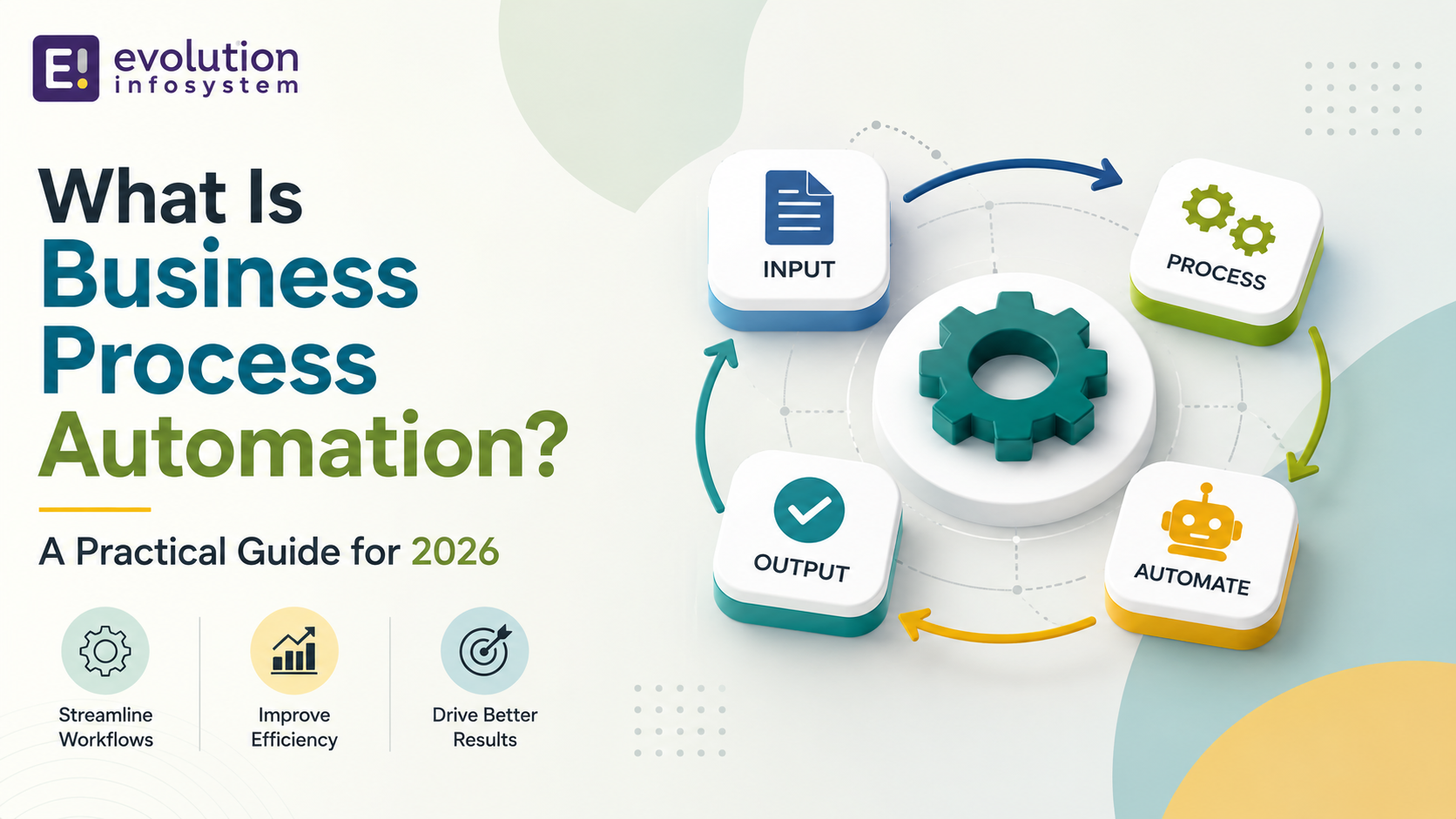
Every business has processes running in the background that nobody designed on purpose – an invoice gets forwarded by email, someone manually copies data from one system into another, an approval sits in an inbox for three days because nobody remembered to follow up. Business process automation exists to fix exactly this kind of drift. This guide explains what it actually is, how it differs from related terms people often use interchangeably, what it looks like in practice, and where it’s heading in 2026.
The Short Answer
Business process automation, usually shortened to BPA, means using technology to carry out a business process – or significant parts of it – with minimal manual intervention. Instead of a person manually moving data between systems, chasing approvals, or re-entering the same information twice, software handles the repetitive, rules-based steps automatically, freeing people to focus on the parts of the work that actually need human judgment.
It’s a broader concept than any single tool. BPA can mean a simple automated email trigger, a full workflow connecting five different systems, or an AI agent making judgment calls within defined guardrails. The common thread is removing manual, repetitive effort from a process that runs the same way every time.
BPA vs RPA vs Workflow Automation: Untangling the Terms
These terms get used interchangeably so often that the distinctions are worth clarifying directly, since they genuinely mean different things.
→ Robotic Process Automation (RPA) refers to software “bots” that mimic specific human actions on a computer – clicking buttons, copying data between fields, filling out forms – usually within a single application or a narrow set of them. RPA is good at automating a specific, repetitive task exactly as a human would do it manually.
→ Workflow automation is broader than RPA. It focuses on automating the sequence of steps in a process – routing an approval to the right person, triggering the next step once a condition is met – often across multiple systems, without necessarily mimicking manual clicks the way RPA does.
→ Business Process Automation is the umbrella term covering both of these, plus broader process redesign. BPA isn’t just about automating existing steps – done properly, it often means rethinking the process itself before automating it, since automating a badly designed process just makes the badly designed process run faster.
→ Intelligent automation (sometimes called hyperautomation) is the newest layer, combining RPA and workflow automation with AI – particularly AI agents capable of handling exceptions, making judgment calls, and adapting to situations that don’t fit a rigid rule, rather than breaking the moment something unexpected happens.
What a Business Process Automation Project Actually Looks Like
In practice, BPA tends to show up in a handful of recurring patterns across departments.
→ Finance and accounting teams automate invoice processing, expense approvals, and reconciliation – work that’s highly repetitive, rules-based, and error-prone when done manually at volume. HR teams automate onboarding paperwork, leave approvals, and document collection, freeing HR staff from chasing signatures and re-entering the same employee data across multiple systems.
→ Sales and customer service teams automate lead routing, follow-up sequences, and support ticket triage, so leads and customer issues don’t sit untouched simply because nobody happened to check a queue. Procurement teams automate purchase order generation and vendor approval chains, reducing the delay between a request being raised and a vendor actually receiving an order. Operations and logistics teams automate inventory alerts, order status updates, and shipment tracking notifications that would otherwise require someone manually checking multiple systems throughout the day.
None of these examples require exotic technology – most are achievable with well-configured existing tools, workflow platforms, or targeted custom development, not a wholesale technology overhaul.
Why Businesses Actually Invest in This
The case for BPA usually comes down to a few consistent, measurable benefits, though the scale varies by process and industry.
Time savings are the most immediate and visible benefit – work that took a person hours, like reconciling data across two systems, can often run in minutes once automated. Error reduction matters just as much, since manual data entry and copy-paste work are reliable sources of mistakes that automation, done correctly, eliminates entirely for that specific step. Cost savings follow naturally from both – businesses that automate meaningful chunks of a process commonly report double-digit percentage reductions in the direct cost of running that process.
Scalability is a less obvious but significant benefit. A manual process usually requires proportionally more people as volume grows; an automated one often scales with comparatively little added headcount, which matters enormously for growing businesses. Employee satisfaction tends to improve too, somewhat counterintuitively – most people don’t enjoy repetitive copy-paste work, and removing it tends to free them for higher-value tasks rather than simply eliminating their role.
Where AI Is Changing the Picture in 2026
Business process automation has existed in some form for decades, but 2026 marks a genuine inflection point, driven by how AI agents are being layered into existing automation.
Traditional RPA and workflow automation follow fixed rules – reliable for predictable processes, but liable to break the moment something unexpected happens, like a slightly different invoice format or an approval routed to someone on leave. AI agents change this by handling exceptions and ambiguity that rigid rules cannot, effectively extending what automation can reliably cover rather than replacing the rules-based layer entirely.
A meaningful shift in 2026 is the move from single, general-purpose automation tools toward multi-agent systems, where several specialized AI agents each handle one part of a process – one retrieves data, one validates compliance, one checks financial thresholds, one routes the final approval – functioning together as a coordinated system rather than one tool trying to do everything. This tends to be more reliable and easier to govern than a single agent attempting an entire end-to-end process alone.
“Hyperautomation” is the term increasingly used for this broader shift – combining AI, RPA, workflow automation, and analytics to automate a process end-to-end rather than automating isolated tasks in isolation. Industry reporting suggests organizations taking this integrated approach are seeing meaningfully faster process execution and real productivity gains compared with automating individual tasks piecemeal.
None of this means every business needs autonomous AI agents right now. For most organizations, the practical starting point in 2026 is still solid rules-based automation of clearly defined, repetitive processes – with AI layered in specifically where genuine judgment or exception-handling is the actual bottleneck, not as a default add-on to every workflow.
How to Identify a Good Automation Candidate
Not every process is worth automating, and picking the wrong starting point is a common reason BPA initiatives disappoint. A few characteristics reliably indicate a strong candidate.
→ High volume and repetition – a process done rarely rarely justifies the setup cost of automating it, while one repeated dozens or hundreds of times a week usually does. Clear, rules-based logic – processes with well-defined steps and decision points are easier and safer to automate than ones that rely heavily on unwritten judgment calls specific to one experienced employee.
→ Measurable pain points – slow turnaround, frequent errors, or employee frustration are all signals worth acting on, and they also give you a concrete baseline to measure improvement against after automating. Cross-system friction – processes requiring manual data transfer between two or more systems are often the highest-value automation targets, since that friction point is usually both time-consuming and error-prone.
A process failing most of these criteria – low volume, heavily judgment-based, already running smoothly – is usually a poor first candidate, even if it feels like an obvious target on the surface.
Common Mistakes When Starting a BPA Initiative
→ Automating a broken process instead of fixing it first.
Automation makes a process faster, not better designed. If the underlying process has unnecessary steps or unclear ownership, automating it just makes those problems happen faster and more consistently.
→ Trying to automate everything at once.
A phased approach, starting with one or two high-value processes, reduces risk and lets your team learn what works before expanding. Attempting a full end-to-end transformation immediately tends to stall out from sheer complexity.
→ Underestimating change management.
Automation changes how people work, and skipping proper communication and training is a reliable way to get quiet resistance or workarounds that undermine the new system entirely.
→ Choosing technology before defining the process.
It’s tempting to pick a tool first and figure out what to automate later. The more reliable order is mapping the actual process in detail first, then selecting the technology that fits it – not the reverse.
→ Ignoring exceptions until after launch.
Every process has edge cases. Planning for how the automated system handles exceptions – routing them to a human, flagging them for review – before launch avoids the scramble of firefighting them after go-live.
Frequently Asked Questions
Is business process automation the same as RPA?
No. RPA is one specific technique within the broader category of BPA, focused on mimicking manual actions like clicking and data entry. BPA is the umbrella term covering RPA, workflow automation, and increasingly AI-driven intelligent automation together.
Do I need AI to do business process automation?
No. Plenty of highly effective automation is straightforward, rules-based workflow automation with no AI involved at all. AI becomes valuable specifically where a process involves genuine judgment calls or frequent exceptions that fixed rules can’t handle reliably.
How much does business process automation typically cost?
It varies enormously by scope – a single automated workflow using existing tools might cost very little to configure, while a custom-built, multi-system automation project can run into significant development budget. The right approach is usually starting with a smaller, high-value process before committing to a larger initiative.
What’s the difference between BPA and digital transformation?
Digital transformation is the broader organizational shift toward digital-first operations and often includes BPA as one component, alongside things like new customer-facing digital products, data strategy, and cultural change. BPA specifically targets making existing processes run with less manual effort.
Which business processes are usually automated first?
Finance and accounting tasks like invoice processing, along with HR onboarding and approval workflows, are among the most commonly automated first, largely because they’re high-volume, repetitive, and well-defined enough to automate with relatively low risk.
Final Thoughts
Business process automation isn’t really about chasing the newest technology – it’s about identifying where manual, repetitive work is creating real friction, and removing that friction with the right tool for the job, whether that’s simple workflow automation or, increasingly, AI handling the judgment calls rules alone can’t cover. The businesses getting the most value from BPA in 2026 aren’t necessarily the ones with the most advanced AI agents; they’re the ones who mapped their actual processes honestly first, picked strong starting candidates, and built from there deliberately rather than all at once.