Disaster Recovery Planning: What RTO and RPO Actually Mean and How to Design for Them
Most businesses treat disaster recovery planning as a compliance checkbox. It gets done once, documented, filed somewhere, and largely forgotten until something actually breaks. Then the documentation turns out to be outdated, the backup hasn’t been tested in 18 months, and the recovery takes three times longer than anyone expected.
The businesses that recover from disasters well don’t recover faster because they got lucky. They recover faster because they designed their systems to recover, defined what recovery actually means in measurable terms, and tested their recovery process before they needed it.
This guide starts with the two numbers that define every disaster recovery strategy – RTO and RPO – and walks through what good disaster recovery planning actually looks like in practice.
RTO and RPO: The Two Numbers That Define Everything
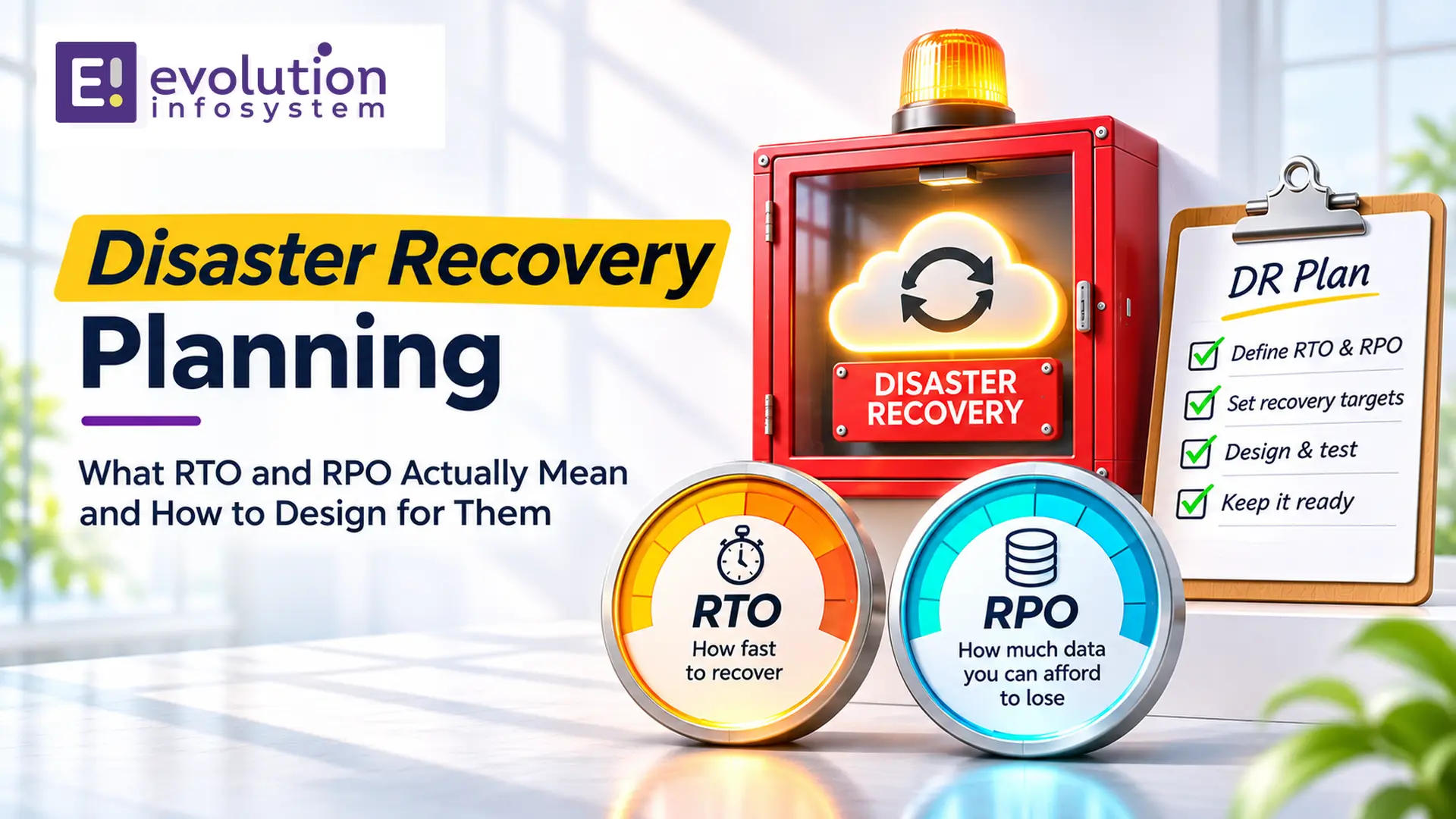
Every disaster recovery conversation reduces to two questions: how long can we be down, and how much data can we afford to lose?
RTO – Recovery Time Objective is the maximum acceptable time between a disaster event and the restoration of service. If your RTO is 4 hours, your disaster recovery system must be capable of restoring operations within 4 hours of any qualifying failure.
RPO – Recovery Point Objective is the maximum acceptable amount of data loss measured in time. If your RPO is 1 hour, your backup and replication strategy must ensure that at most 1 hour of data is lost in any disaster scenario. If a failure occurs at 2:00 PM and your RPO is 1 hour, you must be able to restore to a state no older than 1:00 PM.
These two numbers are not technical choices. They are business decisions that reflect the financial and operational cost of downtime and data loss versus the cost of the infrastructure required to achieve the target.
A 99.99% uptime SLA requires a fundamentally different – and significantly more expensive – architecture than a 99.9% SLA. The difference between a 4-hour RTO and a 15-minute RTO is not a configuration choice. It’s an architecture choice with real infrastructure cost implications.
Setting RTO and RPO correctly requires honest business analysis:
→ What is the financial cost of one hour of downtime?
Across lost transactions, staff idle time, and customer impact?
→ What is the cost of data loss?
If you lose one hour of order data, what does recovery look like? Manual re-entry? Customer calls? Regulatory implications?
→ What is the cost of the infrastructure required to meet a given RTO/RPO?
A 15-minute RTO requires active-active multi-region infrastructure. A 4-hour RTO can be achieved with warm standby. A 24-hour RTO can be achieved with backup restoration. The cost difference between these approaches is significant.
The right RTO and RPO are where the cost of the recovery infrastructure is less than the expected cost of failing to meet it. That calculation is different for every business and every system.
The Four Disaster Recovery Strategies
The industry recognises four broad disaster recovery strategies, arranged from lowest cost/longest recovery to highest cost/fastest recovery.
Strategy 1: Backup and Restore
RTO: Hours to days
RPO: Hours (depending on backup frequency)
The simplest and least expensive strategy. Data is backed up on a schedule (hourly, daily) to a separate location. In a disaster, the system is rebuilt from scratch and data is restored from backup.
The limitation: everything has to be rebuilt from scratch. Provisioning infrastructure, installing software, configuring the environment, and restoring data all take time. In a cloud environment with Infrastructure as Code, this process is faster than it once was – but it still takes hours, not minutes.
Right for: non-critical systems, development environments, systems with tolerant RTOs, and data that doesn’t change frequently.
The mistake teams make: treating backup as disaster recovery without testing restore. A backup that has never been tested is a backup that may not work when you need it. Backup restoration tests should run on a defined schedule – quarterly at minimum.
Strategy 2: Pilot Light
RTO: 30 minutes to 2 hours
RPO: Minutes (with database replication)
The core critical components of your system run continuously in the disaster recovery region, but at minimal scale. The database is replicated in real time to the DR region. The application is not running but the AMIs or container images are prepared. When a disaster occurs, you activate the DR region: start the application on pre-configured infrastructure and point traffic at it.
The “pilot light” analogy: the gas is flowing (data replicating), but the flame isn’t lit (application not running). You can light it quickly when needed.
Right for: business-critical systems that need sub-2-hour recovery but don’t justify the cost of fully active multi-region infrastructure.
Strategy 3: Warm Standby
RTO: Minutes to 30 minutes
RPO: Seconds to minutes
A scaled-down version of your full production environment runs continuously in the DR region. The application is running. The database is replicating. The infrastructure is ready. In a disaster, you scale up the DR environment to full production capacity and redirect traffic.
The difference from Pilot Light: the application is already running in the DR region, so you’re not waiting for startup time. You’re waiting only for scale-out and traffic redirection.
Right for: systems requiring near-immediate failover where the cost of full active-active infrastructure isn’t justified.
Strategy 4: Multi-Site Active-Active
RTO: Near-zero (seconds to minutes for automatic failover)
RPO: Near-zero (synchronous or near-synchronous replication)
Two or more fully active production environments running simultaneously, in different regions, handling live traffic. If one region fails, traffic is automatically redirected to the remaining region(s) with no manual intervention. This is the most expensive and most complex strategy.
It requires: synchronous database replication (with the latency implications that brings), a global load balancer that detects failures and reroutes traffic automatically, application architecture that can handle active-active database writes without conflicts, and ongoing operational complexity of running multiple production environments.
Right for: mission-critical systems where any downtime has immediate, severe financial or safety consequences. Banking transaction systems, healthcare critical systems, real-time trading platforms.
Designing Your Disaster Recovery Architecture
What Qualifies as a Disaster?
Before designing recovery, define what you’re recovering from. Common disaster categories:
Hardware failure: a single server, disk, or component fails. Mitigated by redundancy within a single data centre or availability zone. This is not a “disaster” in the traditional sense – it’s handled by standard HA (high availability) architecture.
Availability Zone failure: an entire data centre or AZ goes offline. Mitigated by multi-AZ deployment within a single region.
Region failure: an entire cloud region becomes unavailable. Mitigated by multi-region disaster recovery.
Data corruption: data is corrupted by a bug, a failed migration, or malicious action. Mitigated by point-in-time backup retention. Note that a real-time replica replicates the corruption instantly – a backup from before the corruption is what you need.
Ransomware or malicious deletion: data is encrypted or deleted by an attacker. Mitigated by immutable backups – backups that cannot be modified or deleted by any credential that also has access to production data.
Your disaster recovery plan must be designed for the specific failure modes relevant to your environment, not a generic definition of “disaster.”
Infrastructure as Code: The Prerequisite for Fast Recovery
The fastest way to rebuild infrastructure in a disaster is to not rebuild it manually. Infrastructure as Code (Terraform, CloudFormation, Pulumi) allows you to provision an entire environment from version-controlled code in minutes rather than hours.
If your infrastructure isn’t defined as code, disaster recovery will always be slower and more error-prone than it needs to be. The person who set up the production environment six months ago may not be available. The configuration details that were “obvious at the time” won’t be obvious under pressure. IaC eliminates both problems.
Database Disaster Recovery
Databases are the most critical and most complex component of disaster recovery. The approach depends on your database technology and recovery requirements:
→ AWS RDS Multi-AZ: synchronous replication to a standby in another AZ. Automatic failover in 60–120 seconds. Protects against AZ failure. Does not protect against regional failure.
→ AWS RDS Read Replicas in a different region: asynchronous replication to a read replica in another region. RPO of seconds to minutes. Manual promotion required in a disaster – the replica must be promoted to a standalone instance and the application connection string updated.
→ Amazon Aurora Global Database: replication across regions with typical lag under 1 second. Failover to a secondary region in under 1 minute. The closest thing to multi-region active-active for relational databases without building it yourself.
→ Point-in-time recovery: most managed database services support point-in-time recovery within a defined retention window. Essential for data corruption scenarios – you recover to the last clean state before corruption occurred.
→ Immutable backups: backups stored with object lock (S3 Object Lock, Azure immutable blob storage) cannot be deleted or modified even by accounts with full administrative access. This is the specific protection against ransomware that encrypts or deletes backups alongside production data.
Testing: The Step Most Organisations Skip
A disaster recovery plan that has never been tested is not a disaster recovery plan. It’s a hypothesis.
Every disaster recovery strategy must be tested on a defined schedule:
→ Backup restoration tests: quarterly minimum. Take a backup, restore it to a separate environment, verify data completeness and application functionality. Document the actual restore time – not the estimated one.
→ Failover tests: biannual minimum for business-critical systems. Actually fail over to the DR environment and verify that the system operates correctly, that the RTO was met, and that traffic redirection worked as expected.
→ Full DR simulation: annual for business-critical systems. Simulate a complete regional failure during a planned maintenance window. Fail over completely. Run the business from the DR region for a defined period. Fail back. Document everything.
Common Disaster Recovery Mistakes
→ Backing up without testing restore.
Covered above. A backup that hasn’t been tested is a risk, not an asset.
→ Single-region backup storage.
Backups stored in the same region as production are destroyed in a regional outage. All backups should replicate to at least one other region automatically.
→ No immutable backups.
Ransomware attacks increasingly target backup systems. Immutable backups that cannot be modified or deleted by any credential are the specific countermeasure.
→ RTO that doesn’t account for DNS propagation.
DNS changes take time to propagate globally. If your failover strategy depends on DNS changes, your actual RTO includes DNS TTL propagation time. Set DNS TTLs low (60 seconds) for critical records so that propagation is fast when you need it.
→ DR documentation that doesn’t match reality.
Production environments evolve. DR documentation written six months ago may not reflect the current architecture. Treat DR documentation like code – version control it, update it when the architecture changes, and verify it during DR tests.
At Evolution Infosystem, we design and implement disaster recovery and backup solutions on AWS, Azure, and GCP – from backup and restore strategies to active-active multi-region deployments. We define RTO and RPO with you based on business requirements and build the infrastructure to meet them – then test it. Let’s talk about your disaster recovery requirements.
Frequently Asked Questions (FAQs)
What is the difference between RTO and RPO?
RTO (Recovery Time Objective) is the maximum acceptable time to restore service after a disaster. RPO (Recovery Point Objective) is the maximum acceptable data loss measured in time. RTO defines how fast you must recover. RPO defines how much data you can afford to lose. Both are business decisions that determine the architecture and cost of your disaster recovery strategy.
What is the cheapest disaster recovery strategy?
Backup and restore is the least expensive strategy. It provides the longest RTO (hours to days) but costs significantly less than warm standby or active-active approaches. It’s appropriate for non-critical systems and data with tolerant recovery time requirements.
How often should disaster recovery plans be tested?
Backup restoration tests should run quarterly. Failover tests should run biannually for business-critical systems. Full DR simulations should run annually. Any system that has never been tested in a real failover scenario cannot be considered to have a reliable disaster recovery strategy.
What is the difference between disaster recovery and high availability?
High availability (HA) prevents downtime through redundancy within a single location – multiple servers behind a load balancer, multi-AZ database deployment. It handles hardware failures and single-component outages. Disaster recovery handles larger-scale failures – regional outages, data corruption, security incidents – that HA alone cannot mitigate. Both are necessary for production systems.
What are immutable backups and why do they matter?
Immutable backups are backups stored with write-once-read-many protection – once written, they cannot be modified or deleted, even by accounts with full administrative access. They protect against ransomware attacks that specifically target and encrypt or delete backups alongside production data. S3 Object Lock and Azure immutable blob storage provide this capability on the major cloud platforms.