How to Build a Shopify App: Private Apps vs. Public Apps vs. Custom Apps
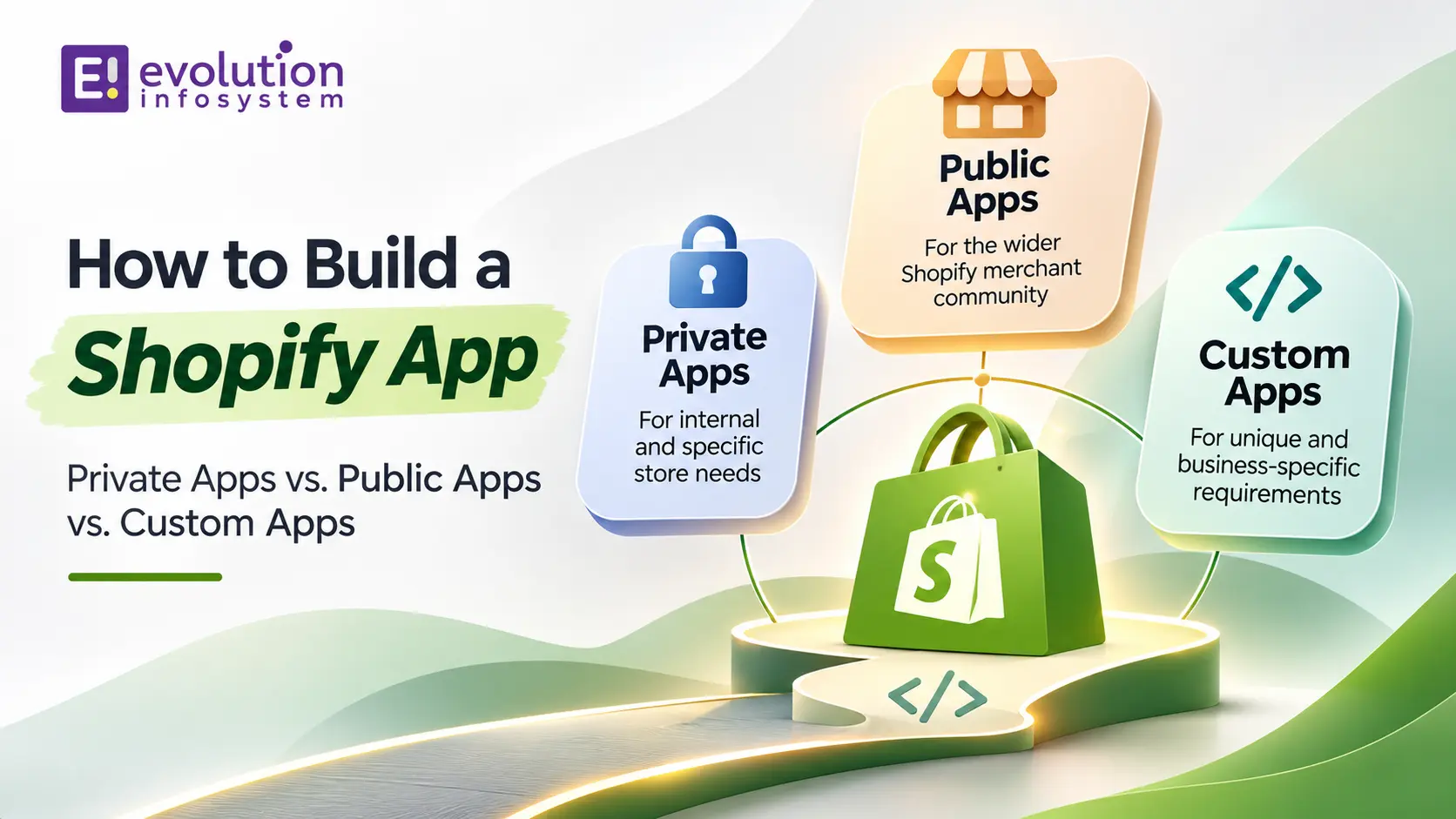
Shopify’s app ecosystem powers the majority of extended functionality that makes Shopify stores competitive. Behind features like custom loyalty programmes, advanced inventory management, bespoke checkout experiences, and ERP integrations is a Shopify app – either from the App Store or built specifically for that merchant.
Building a Shopify app is a different kind of software project from building a standalone web application. Shopify has specific architecture requirements, authentication patterns, embedding standards, and review processes that determine how apps are built and distributed. Getting these right from the start saves significant rework later.
This guide starts with the most important early decision – which app type you’re building – and covers the technical stack, authentication, and development process from there.
The Three Shopify App Types
Before writing a line of code, you need to know which type of Shopify app you’re building. The answer determines your authentication model, your distribution method, and the APIs available to you.
Private Apps (Legacy)
Private apps were the original mechanism for accessing Shopify’s Admin API without going through the Shopify App Store. They generated static API credentials (API key and password) that could be used to make Admin API calls for a single specific store.
Important: Shopify deprecated private apps in January 2022. No new private apps can be created. If you’re starting a new integration, you’re using Custom Apps or Public Apps.
If you have existing private app integrations, they continue to work but receive no new features. The migration path is to Custom Apps.
Custom Apps
Custom apps are the replacement for private apps. They are built for a single specific Shopify store, installed directly by the merchant (not through the App Store), and use OAuth 2.0 access tokens scoped to that store.
When to build a Custom App:
- You’re building an integration or functionality for one specific merchant’s store
- The integration doesn’t need to be distributed to other merchants
- You need access to Shopify Admin API features without App Store review
- You’re integrating with an internal system (ERP, WMS, CRM) that’s specific to that merchant
Key characteristics:
- Installed directly from the Shopify Partners dashboard or the store’s admin
- Access tokens are permanent (don’t expire) unless revoked
- No App Store listing or review required
- Can use all Admin API scopes with merchant approval
- Cannot be distributed to other merchants
Custom apps are the right choice for bespoke merchant integrations. They’re simpler to build than public apps because they don’t need to handle multi-merchant OAuth flows, and they’re not subject to App Store review.
Public Apps
Public apps are distributed through the Shopify App Store and can be installed by any merchant. They use OAuth 2.0 for multi-merchant authentication – each merchant who installs the app goes through an OAuth flow that generates a store-specific access token.
When to build a Public App:
- You’re building a product to sell to multiple Shopify merchants
- You want distribution through the Shopify App Store
- Your app provides value to a broad category of merchants
Key characteristics:
- Listed in the Shopify App Store (requires review and approval)
- Multi-merchant OAuth flow – each installation generates a unique access token
- Access tokens must be stored securely per-merchant
- Subject to Shopify’s Partner Programme requirements and App Store review guidelines
- Can be monetised through Shopify’s billing API (subscription charges, usage charges, one-time charges)
Public apps are the right choice when you’re building a product for the market, not a solution for one merchant. The development complexity is higher – you’re handling multi-tenant architecture, OAuth for thousands of merchants, and App Store review – but the distribution potential is correspondingly larger.
The Technical Stack for Shopify App Development
Shopify CLI
Shopify CLI is the command-line tool for Shopify app development. It scaffolds new apps, handles local development with a tunnelled connection to Shopify (so your local server receives webhooks), manages app configuration, and handles deployment.
Start every Shopify app project with Shopify CLI. The scaffolding it generates follows current Shopify best practices and saves significant setup time.
npm install -g @shopify/cli @shopify/theme
shopify app init
Remix (The Recommended Framework)
Shopify has standardised on Remix as the recommended framework for Shopify app development as of 2023. The default Shopify CLI app template generates a Remix app, and Shopify’s Polaris design system and App Bridge components are optimised for Remix.
If you’re starting a new Shopify app, use Remix unless you have a specific reason not to. The Shopify CLI template with Remix gives you OAuth handling, webhook management, session storage, and Polaris UI integration out of the box.
Polaris
Polaris is Shopify’s design system for embedded apps. Apps that appear inside the Shopify admin (rather than opening in a new tab) must use Polaris components to match the admin’s visual language. Using Polaris is not optional for embedded apps – non-Polaris UIs don’t pass App Store review.
App Bridge
App Bridge is Shopify’s JavaScript library for embedded app interactions. It allows apps embedded in the Shopify admin to use Shopify’s navigation, modal system, Toast notifications, and Context Bar – the UI chrome provided by Shopify rather than the app itself. App Bridge is required for any app that embeds in the admin.
The Admin API and Storefront API
➜ Admin API (GraphQL and REST): for reading and writing store data – products, orders, customers, inventory, metafields, discounts. Used from your app’s backend.
➜ Storefront API: for building custom storefront experiences that read public product, collection, and checkout data. Used from frontend applications (headless storefronts, mobile apps).
➜ Webhooks: Shopify sends real-time notifications to your app when events occur in a store (order created, product updated, customer created). Your app must register webhook subscriptions and handle them reliably. Shopify requires HTTPS endpoints and retries failed webhook deliveries – your handler must be idempotent.
OAuth: The Most Important Thing to Get Right
Multi-merchant OAuth is the most critical and most commonly misimplemented part of public Shopify app development.
The OAuth flow:
- A merchant clicks “Add app” in the Shopify App Store or from your marketing page
- Shopify redirects to your app’s /auth endpoint with the shop domain
- Your app redirects to Shopify’s OAuth authorisation URL with your app’s client ID and requested scopes
- The merchant approves the permissions
- Shopify redirects back to your app’s /auth/callback with an authorisation code
- Your app exchanges the authorisation code for a permanent access token
- Your app stores the access token securely, associated with the shop domain
- Your app redirects the merchant to the embedded app experience
Security requirements that must not be skipped:
- HMAC validation: every callback from Shopify includes an HMAC signature. Verify it before processing the callback. Do not accept any callback without valid HMAC.
- State parameter (nonce): include a random nonce in the OAuth request and verify it in the callback to prevent CSRF attacks.
- Access token storage: access tokens must be stored encrypted, never in plaintext. A compromised access token gives the holder full access to that merchant’s store data.
- Shop domain validation: validate that the shop domain in the callback matches the one you sent in the request.
The Shopify CLI Remix template handles all of this correctly. If you’re building without the template, implement each security check deliberately.
Billing: How Shopify Apps Generate Revenue
Public apps monetise through Shopify’s Billing API. Three charge types are available:
➜ Subscription charges: recurring monthly or annual charges. The most common model for SaaS-style apps. Shopify handles the billing cycle, invoice generation, and payment collection.
➜ Usage charges: charges that scale with usage within a billing cycle. Appropriate for apps where cost correlates to merchant usage volume (email sends, API calls, number of orders processed).
➜ One-time charges: single payment for a specific feature or purchase. Less common but appropriate for setup fees or one-time feature unlocks.
Shopify takes a revenue share from public app billing. The rate is 15% for apps earning under $1M annually and 20% above that threshold (having been reduced from 30% in previous years).
The App Store Review Process
Public apps require Shopify App Store review before they’re listed. The review covers:
➜ Functionality: the app must work correctly and deliver the value its listing claims.
➜ Security: HTTPS required for all endpoints. Proper OAuth implementation. Secure data handling.
➜ Performance: apps must not significantly impact storefront load times. Embedded scripts are evaluated for performance impact.
➜ Polaris compliance: embedded app UI must use Polaris components and follow Shopify’s UX guidelines.
➜ Privacy: apps must have a privacy policy. Data collection and usage must be disclosed accurately.
Review times vary from days to weeks depending on app complexity and review queue. Build in review time when planning your launch timeline.
At Evolution Infosystem, we build Shopify apps – custom apps for specific merchant integrations and public apps for distribution through the App Store. We implement OAuth correctly, build with Polaris and App Bridge, and handle the App Store review process. Let’s talk about your Shopify app.
Frequently Asked Questions (FAQs)
What is the difference between a Shopify public app and a custom app?
A public app is distributed through the Shopify App Store and can be installed by any merchant. It uses multi-merchant OAuth and can be monetised through Shopify’s billing API. A custom app is built for a single specific merchant, installed directly (not through the App Store), and uses store-specific access tokens. Custom apps replaced deprecated private apps in 2022.
Do I need to use Remix to build a Shopify app?
No, but Remix is the recommended and officially supported framework. Shopify CLI generates Remix apps by default, and Shopify’s documentation and support is optimised for Remix. Other frameworks (Next.js, Express) can be used but require more manual setup of OAuth flows, session management, and webhook handling.
What is Shopify Polaris?
Polaris is Shopify’s design system – a set of React components, design tokens, and guidelines that define how embedded Shopify apps should look and behave. Embedded apps must use Polaris to match the Shopify admin’s visual language. Non-Polaris UIs don’t pass App Store review for embedded apps.
How long does Shopify App Store review take?
Review times vary. Simple apps with limited functionality may be reviewed in 3–5 business days. Complex apps with multiple features may take 2–4 weeks. Apps that fail review on the first submission must address all listed issues before resubmission, adding further time. Build App Store review into your launch timeline from the beginning.
Can a Shopify app access all store data?
A Shopify app can only access the data covered by the scopes it requests during OAuth. Scopes are granular – you request exactly the data your app needs (read_orders, write_products, etc.) and the merchant approves those specific permissions. Requesting broader scopes than your app needs is a common App Store review failure reason.